Showing posts with label Love. Show all posts

Thursday, January 19, 2023

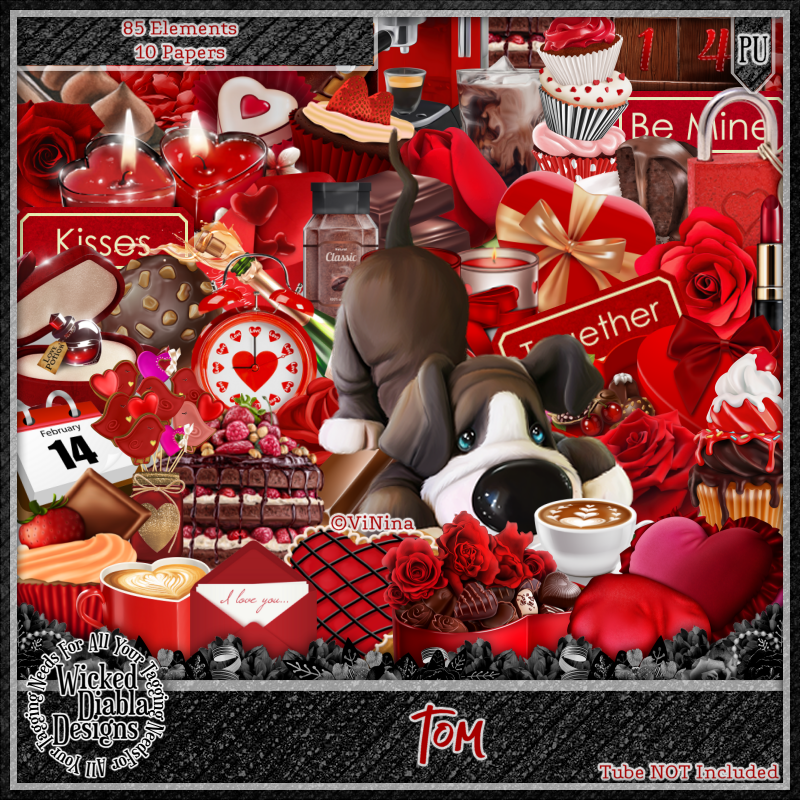
New CT Tag for Wicked Diabla Designs - Tom

New CT Tag for Wicked Diabla Designs

Scrap kit is by Wicked Diabla Designs. It is called "Tom".

This kit is absolutely adorable. So many fun fun elements to create gorgeous and cute Valentines tags or any other type of romantic type tags. The elements and colors are so vibrant and fun!
You can purchase this kit at https://wickeddiabladesigns.com/index.php...
The kit is $1.00 right now!!! You can't beat that deal! Go snag it while you can get it at a great price!!!

The tube I used is by ViNina. It is also called "Tom"
You can get this tube at https://vininatubes.com/


Thursday, January 12, 2017

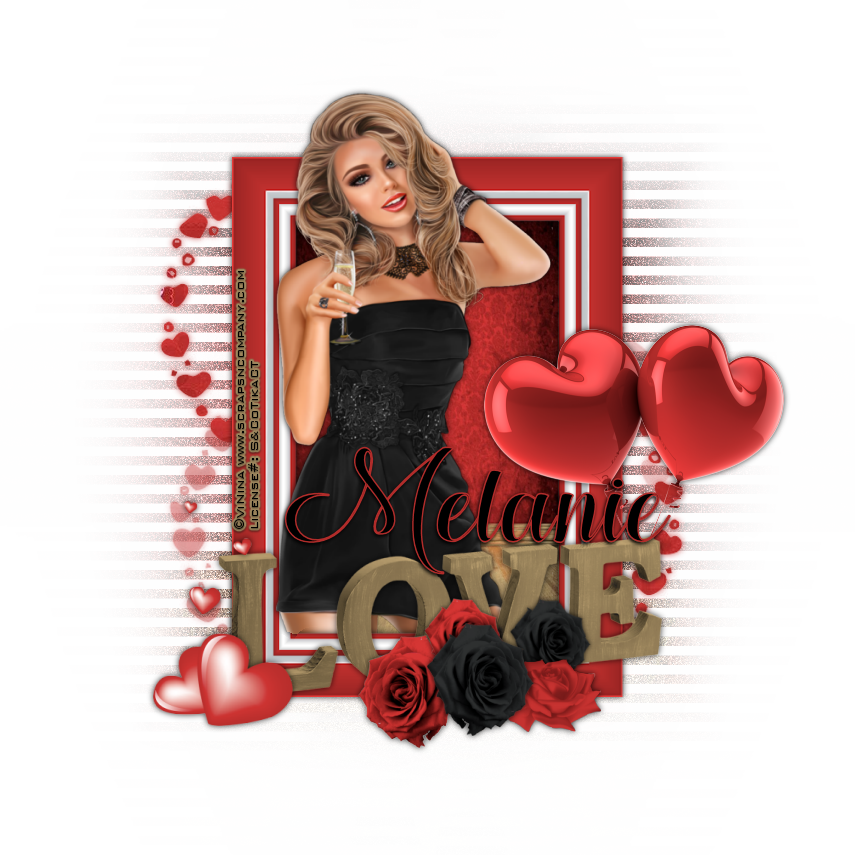
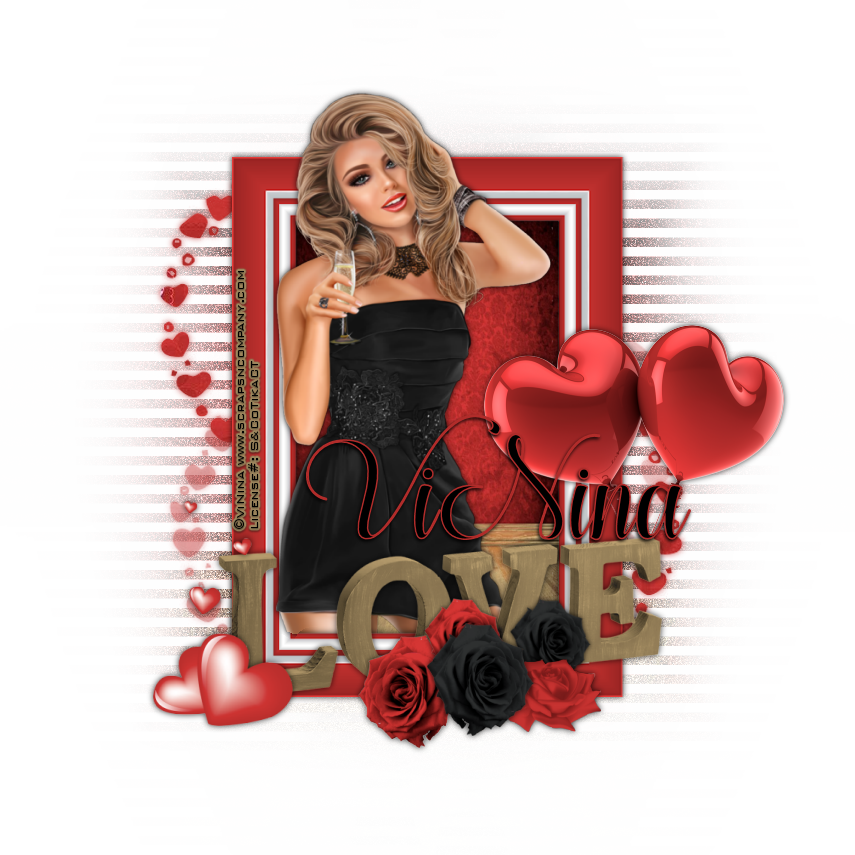
Cheers To Love


Cheers To Love
Written 1/11/2017
This tutorial is meant purely as a guide. Feel free to use your own choice of tube or scrap kit to make your tag unique. If you want your tag to look just like mine them use the same supplies I have used. This tutorial assumes you have a knowledge of paint shop pro. Any resemblance to any other tag or tutorial is completely coincidental.
Supplies Used:
Tube of your choice. I am using a tube by Vi Nina called Party Time. You can purchase the tube at http://scrapsncompany.com/index.php?main_page=product_info&cPath=113_294&products_id=25111
The beautiful scrap kit is by Blissful Designs and is called Cassandra In Red. You can purchase the kit at http://scrapsncompany.com/index.php?main_page=product_info&cPath=112_555&products_id=17216
Mask of your choice. I am using mask #236 by Vix. You can find her awesome masks at http://www.freewebs.com/vixpsp/ under goodies.
Font of your choice. I am using Hugs & Kisses. You can download it at http://www.fontspace.com/mistis-fonts/hugs-and-kisses-xoxo-demo
Plugins:
DSB Flux Linear Transmission
Drop shadow used throughout:
0 0 80 9.50 black

Let's Begin:
Open frame 8 from the kit and shift+D to duplicate. Close the original. Image rotate to the right or left by 90 degrees. Image canvas size and make your canvas large enough to give you plenty of room to work with. Using your magic wand select the inside of the frame. Selections modify expand by 12. Layers new raster layer and drag under the frame. Open paper 1 and copy and paste into selection.
Open your tube and copy and paste as a new layer. Re-size as needed. Place in the center of the frame. Selections invert and using your eraser tool erase any bits of the tube hanging outside of the frame that you do not want. Once you are happy selections select none.

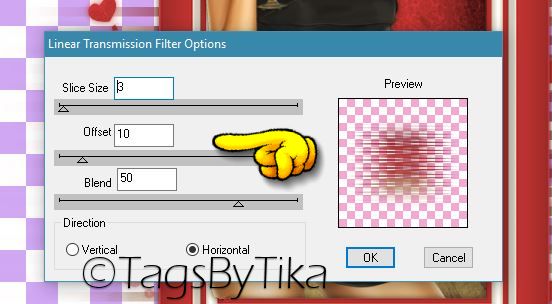
Duplicate the background paper layer and go to adjust blur and Radial Blur at 50. Apply DSB Flux Linear Transmission using the following settings:


Adjust Add/Remove noise. Add noise at 100 Uniform and Monochrome.
Add a drop shadow to both the frame and your tube.
Open paper 7 and copy and paste as a new layer and drag to the bottom. Apply the mask of your choice. Delete the mask layer and merge the group.

Now let’s dress the tag up with elements from the kit. I will list the elements I used. Feel free to use other elements to make your tag unique. Placement of the elements is completely up to you. If you want your tag to look just like mine then use my tag for reference.
Elements I used:
2
34
42
58
62
71
Add a drop shadow to everything.
Add your name.
Add your copyright and licensing information.
Crop and save.
Thank you for trying my tutorial.

♥♥♥


Tuesday, June 21, 2016

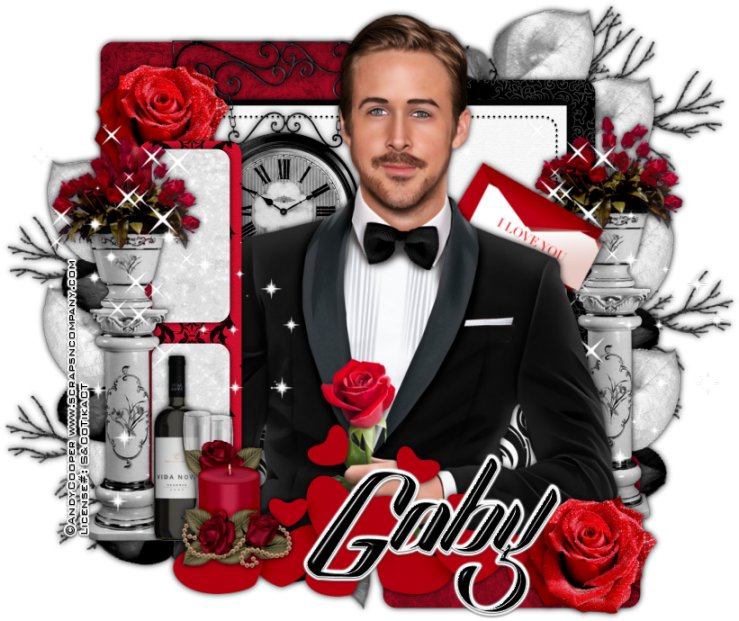
Night To Remember


Night To Remember
Written 6/21/2016
This tutorial is meant purely as a guide. Feel free to use your own choice of tube or scrap kit to make your tag unique. If you want your tag to look just like mine them use the same supplies I have used. This tutorial assumes you have a knowledge of paint shop pro. Any resemblance to any other tag or tutorial is completely coincidental.
Supplies Used:
Tube of your choice. I am using one called Smoking by Andy Cooper. You can get this tube at http://scrapsncompany.com/index.php?main_page=product_info&cPath=113_652_304&products_id=20174
Scrap kit is called Directly from my Heart by Disturbed Scraps. You can get the kit at http://scrapsncompany.com/index.php?main_page=product_info&products_id=20342
Tag Template # 3 by Rachel Designs. You can get it at https://racheldesignsblog.wordpress.com/2016/05/08/tag-template-3-5/
Font of your choice. I am using Sexy Shout which you can get at http://www.dafont.com/sexy-shout.font
Plugins:
NONE
Drop shadow used throughout:
0 0 90 10.00 black

Let's Begin:
Open the tag template and shift+D to duplicate. Close the original. Make the canvas large enough to work with. Remove the following layers from the template: Raster 1 and background. Fill the layers of the template using your colors, gradients and papers from the kit of your choice. Add a drop shadow to each of the layers.
Open your tube and copy and paste as a new layer. Position in the center of the template. Add a drop shadow.
Now let’s dress the tag up with elements from the kit. I will list the elements I used. Feel free to use other elements to make your tag unique. Placement of the elements is completely up to you. If you want your tag to look just like mine then use my tag for reference.
Elements I used:
2
11
12
18
28
37
39
40
58
77
Add your name.
Add your copyright and licensing information.
Crop and save.